Each tool works on the layers already in your file and hands back something you can ship: lighter images, clean cut-outs, a favicon package or a PDF.
軽
Image optimization
Lighter images, same pixels.
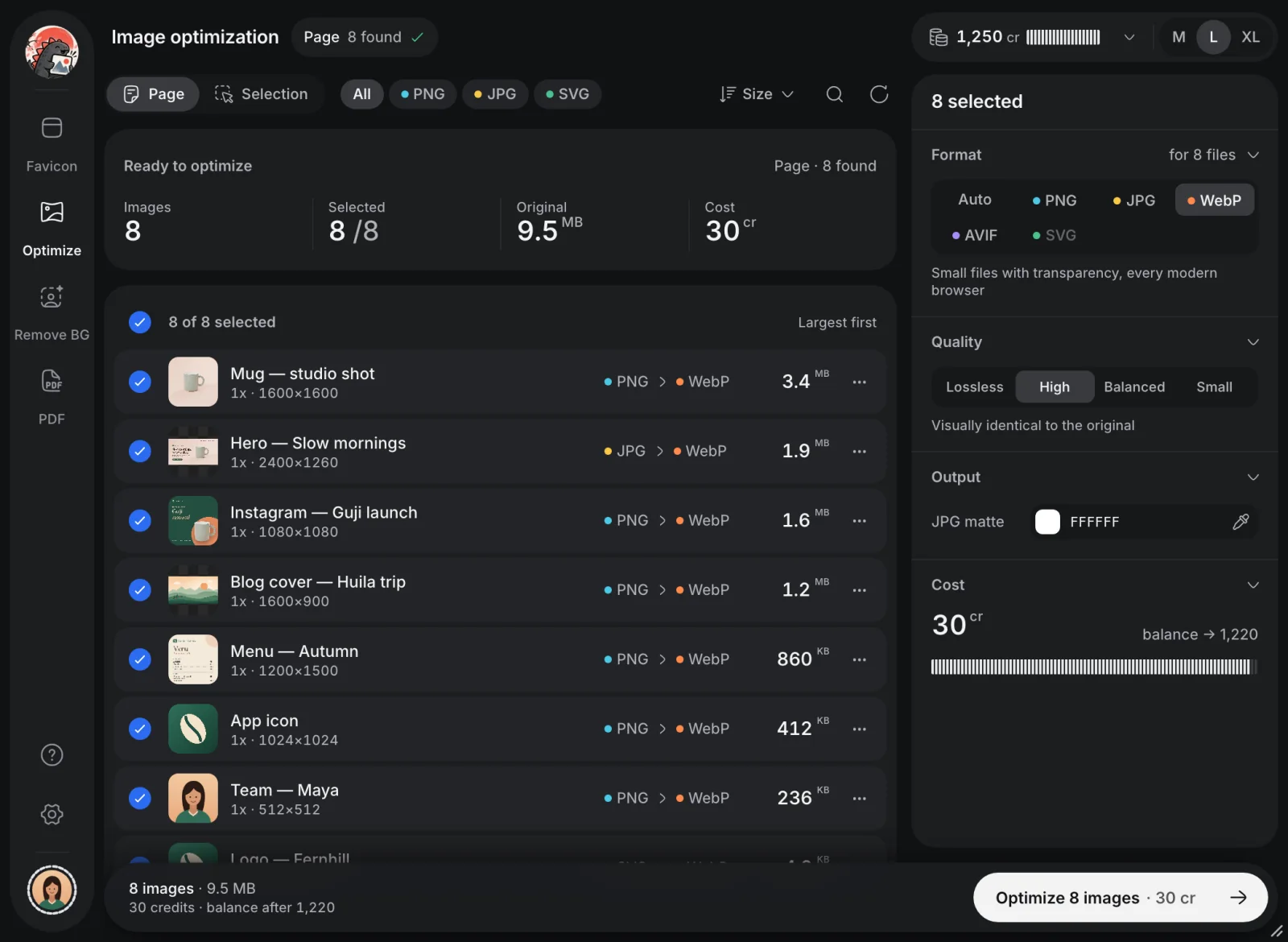
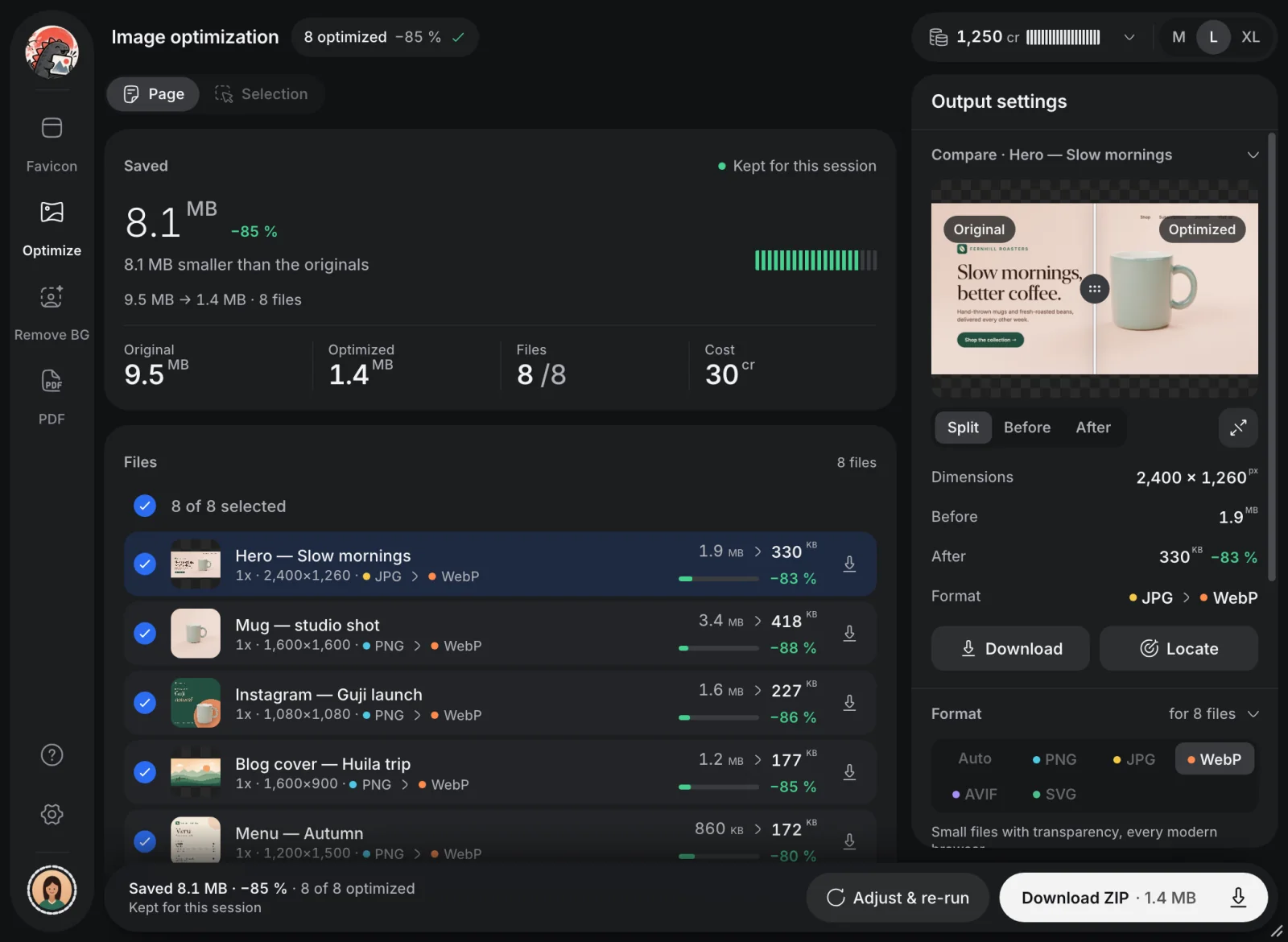
Scan a whole page or just your selection. Imgazilla lists every image with its real export size, converts it to the format you pick and shows what each file saved.
Real export sizes, largest first
WebP, AVIF, PNG, JPG or SVG at four quality levels
Split compare before you download one ZIP
30 credits a batch. Scanning is free.
Imgazilla
−85 %9.5 MB → 1.4 MB Example page with 8 images, as WebP
Fernhill Roasters sample page
切
Background removal
Clean cut-outs, one click.
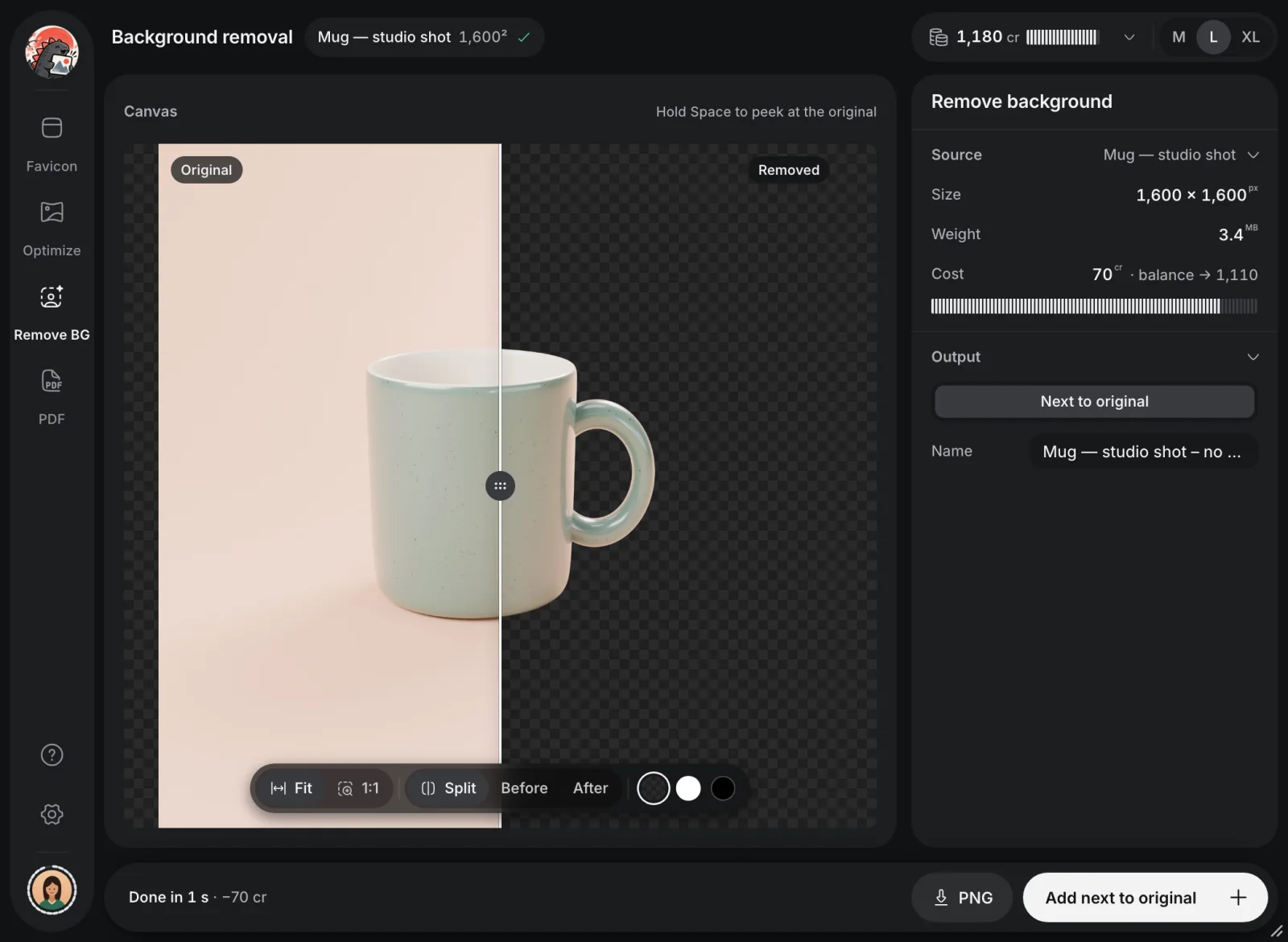
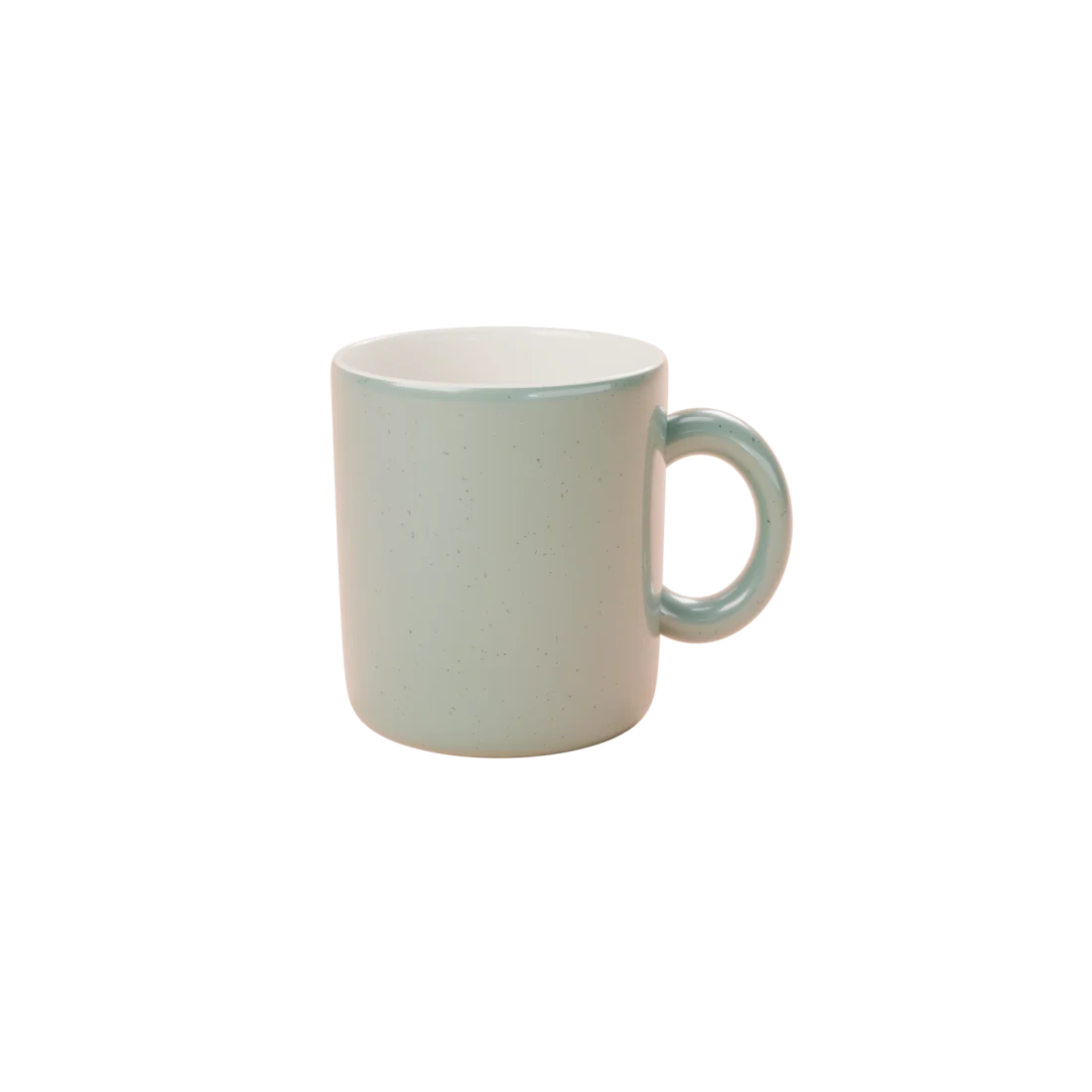
Select a photo, press Remove background and drag the split to check every edge. Add the cut-out next to the original or save it as a PNG.
Check edges on transparent, white or black
Added to the page under the name you choose
The plugin keeps no copy of your images
70 credits a cut-out. Try the split yourself.
Imgazilla
Background removal Mug — studio shot · 1,600²
CanvasDrag the line to compare
OriginalRemoved
Done in 1 s · −70 crAdd next to original
Live: drag the line, or use the arrow keys
印
Favicon export
Every favicon from a single logo.
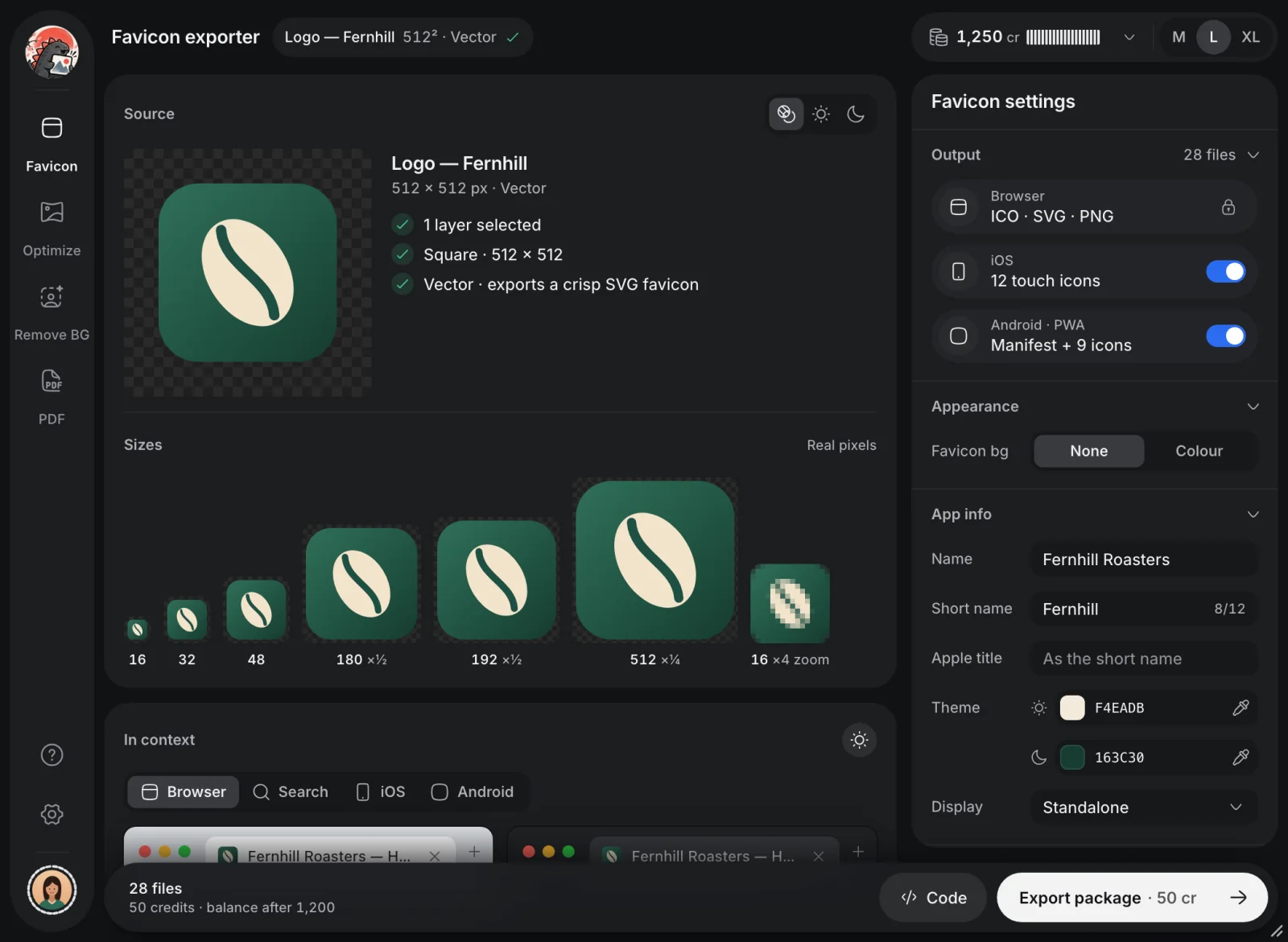
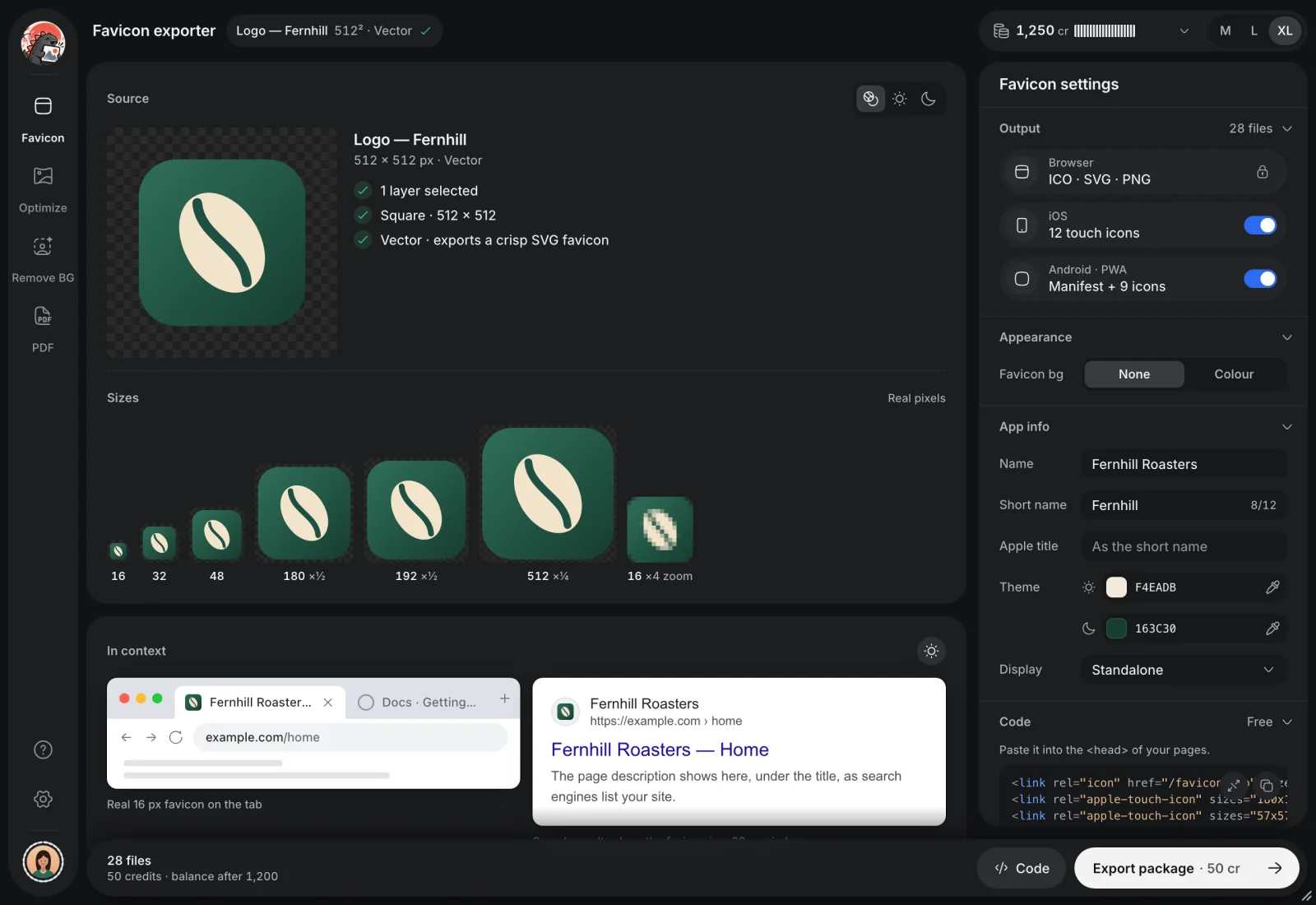
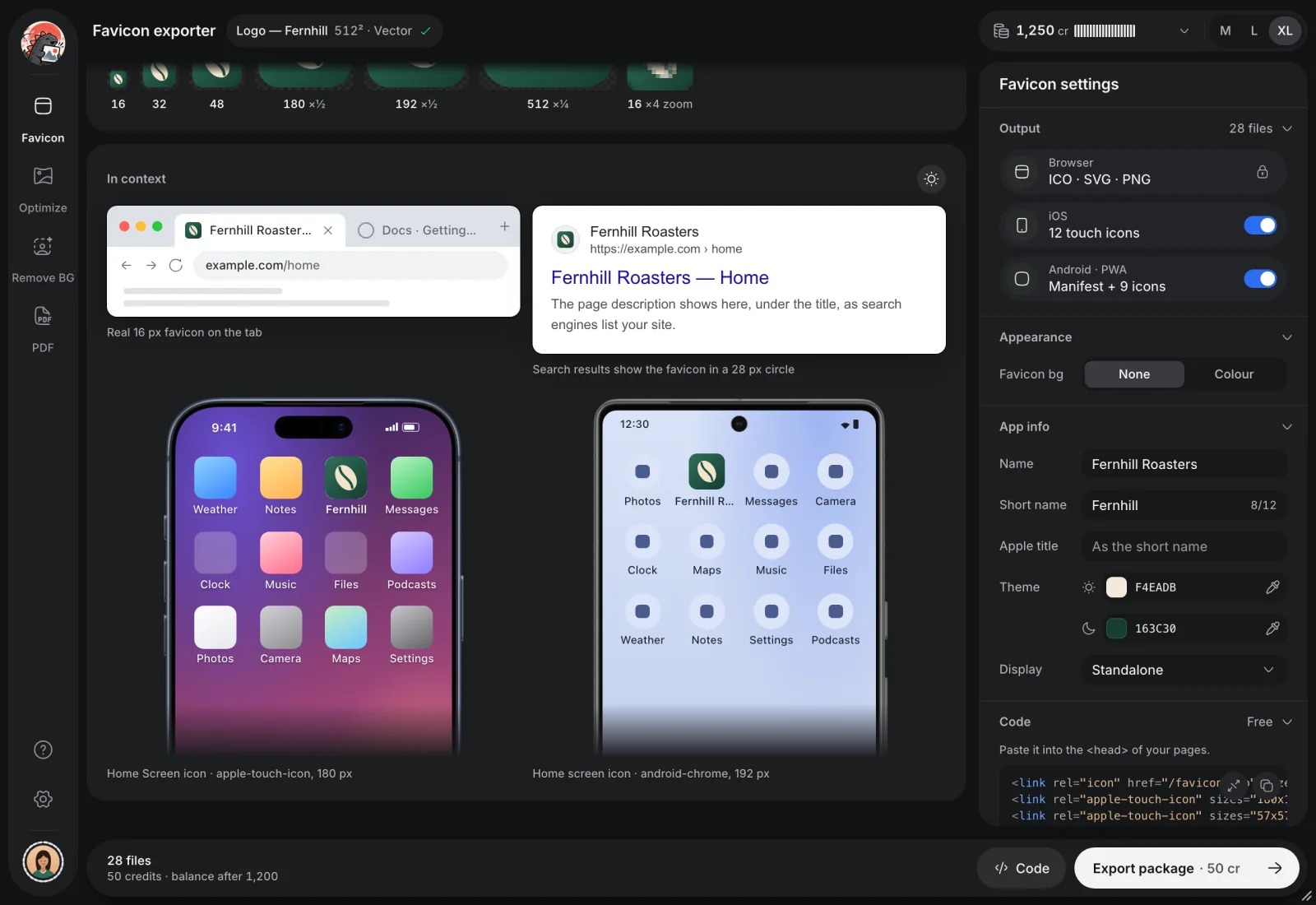
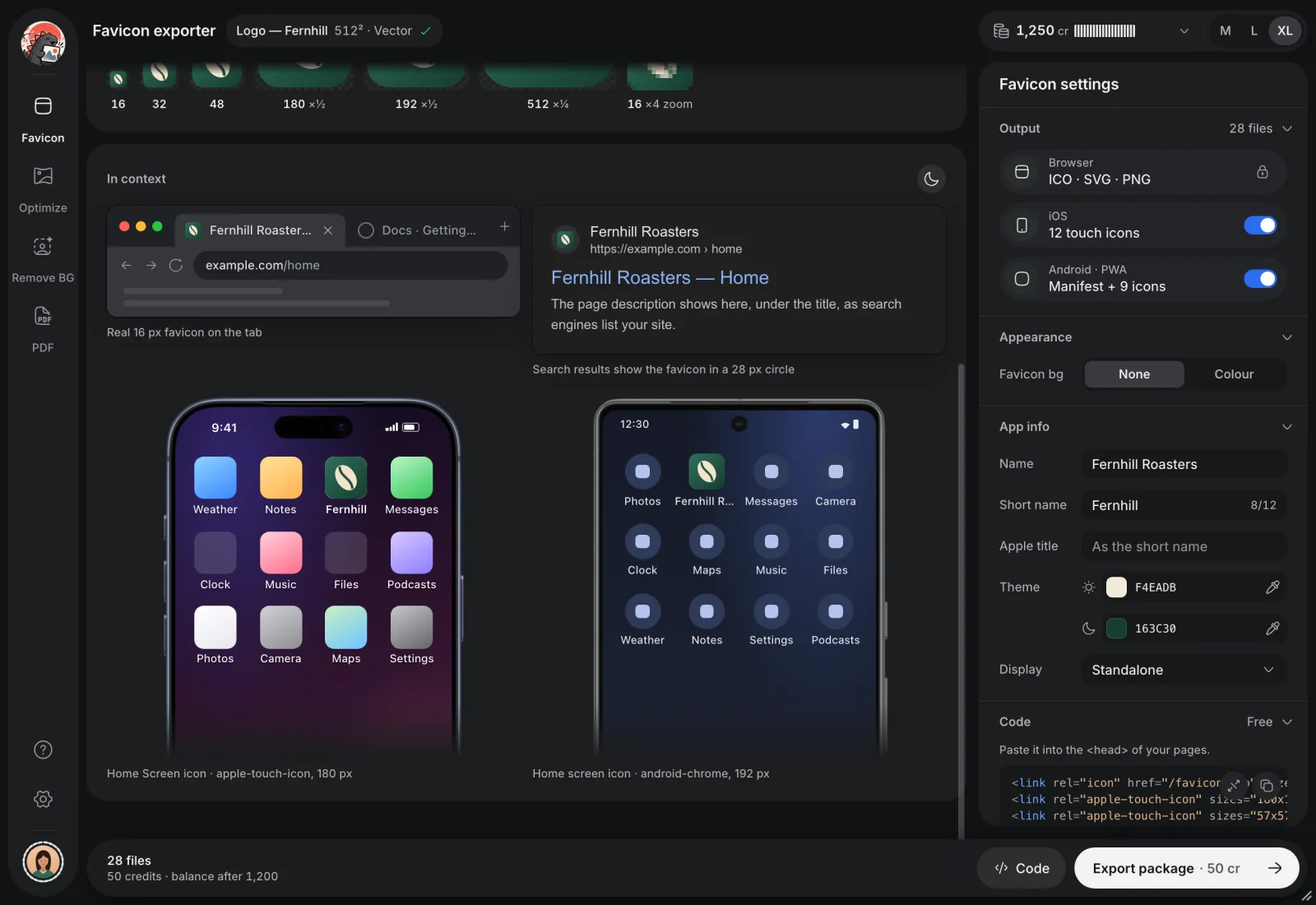
Select a square layer and Imgazilla builds the full set for browsers, iPhone and Android, then shows it in a browser tab, in search results and on home screens.
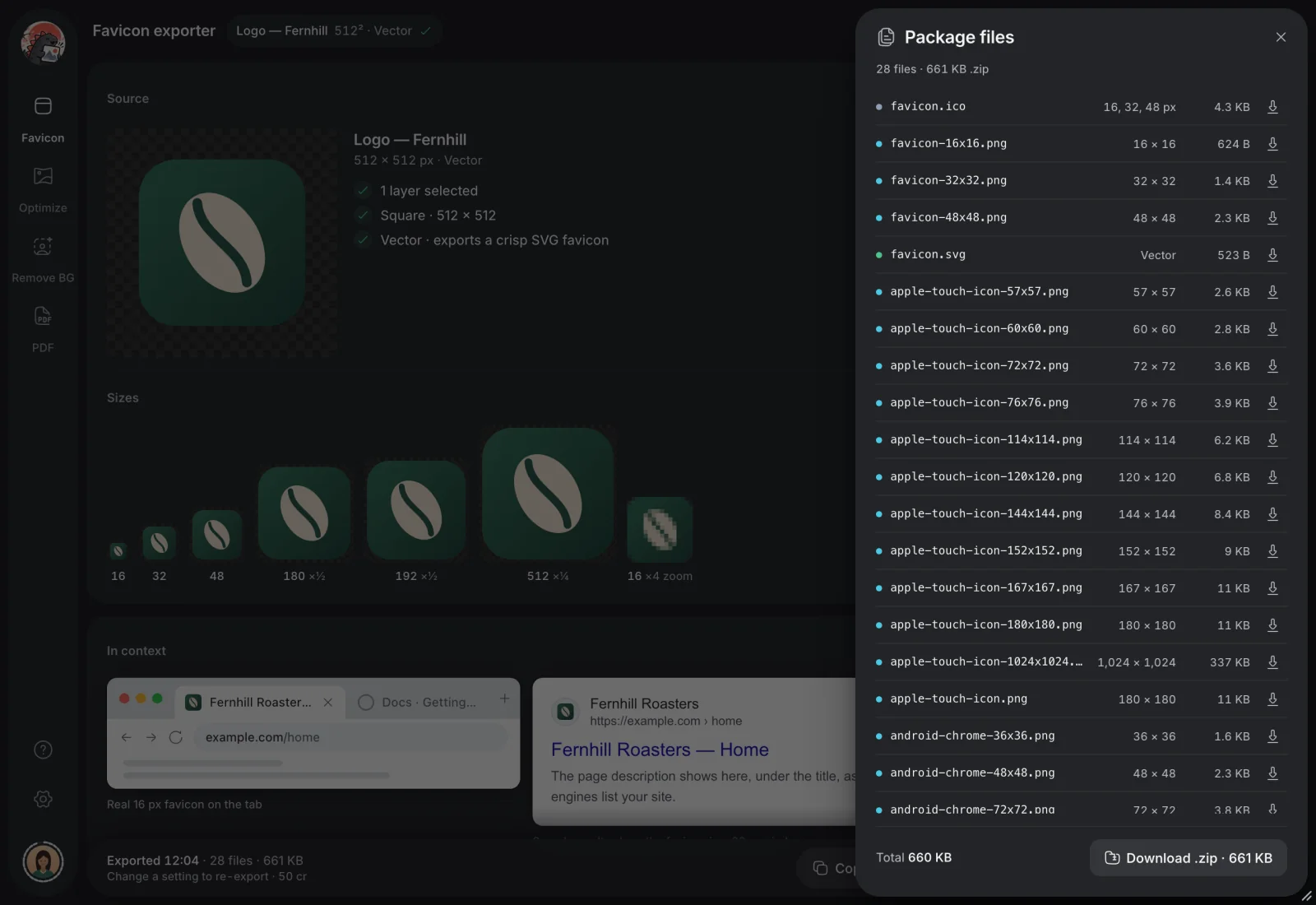
ICO, SVG and PNG, 12 Apple touch icons, a web manifest and 9 Android icons
Previews in light and dark, down to the real 16 px
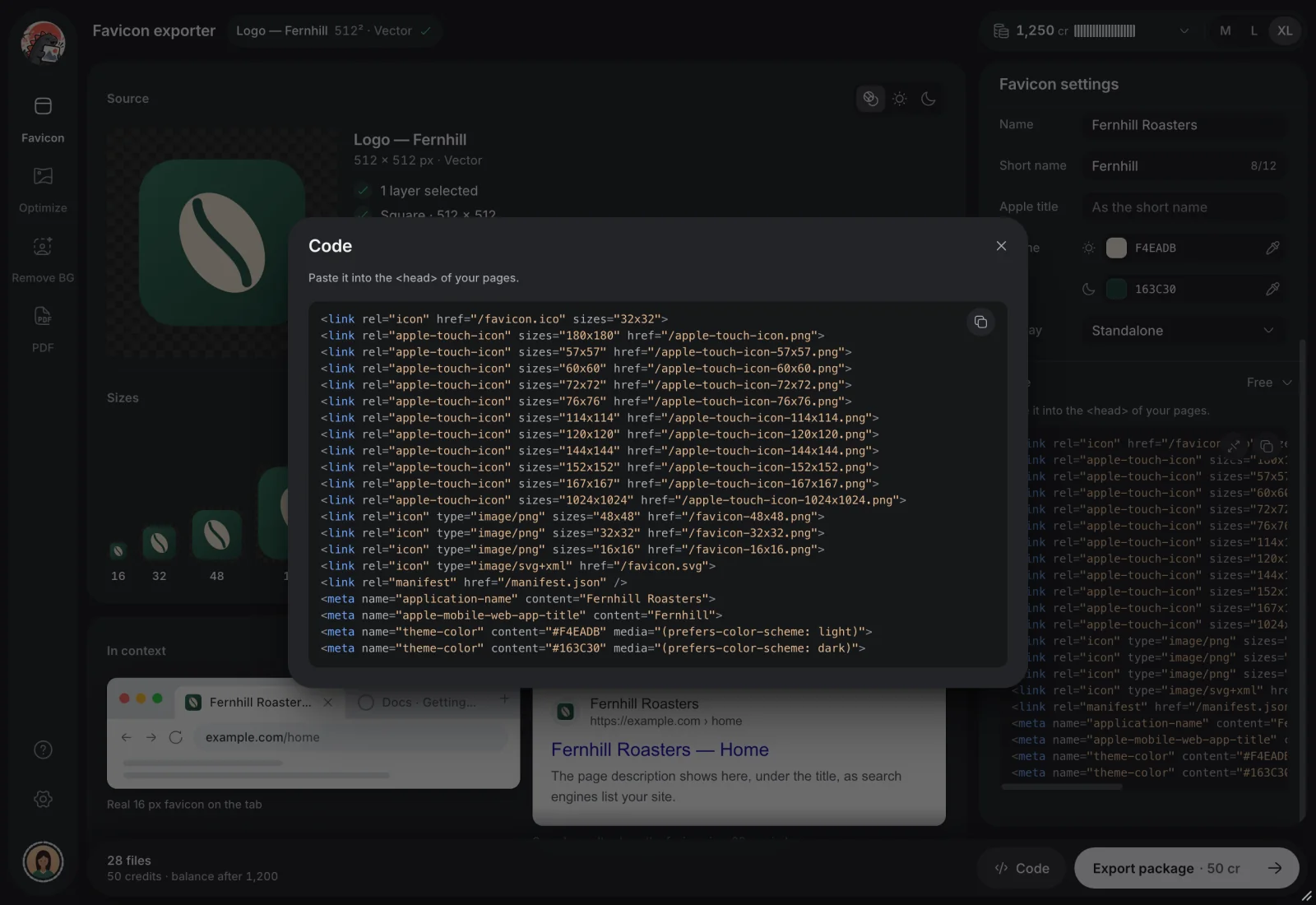
One ZIP with 28 files, plus the <head> code to paste
50 credits a package. Previews and the code are free.
Imgazilla
Fernhill Roasters logo, 512² vector
紙
PDF export
New in 2.0
Frames to a small, sharp PDF.
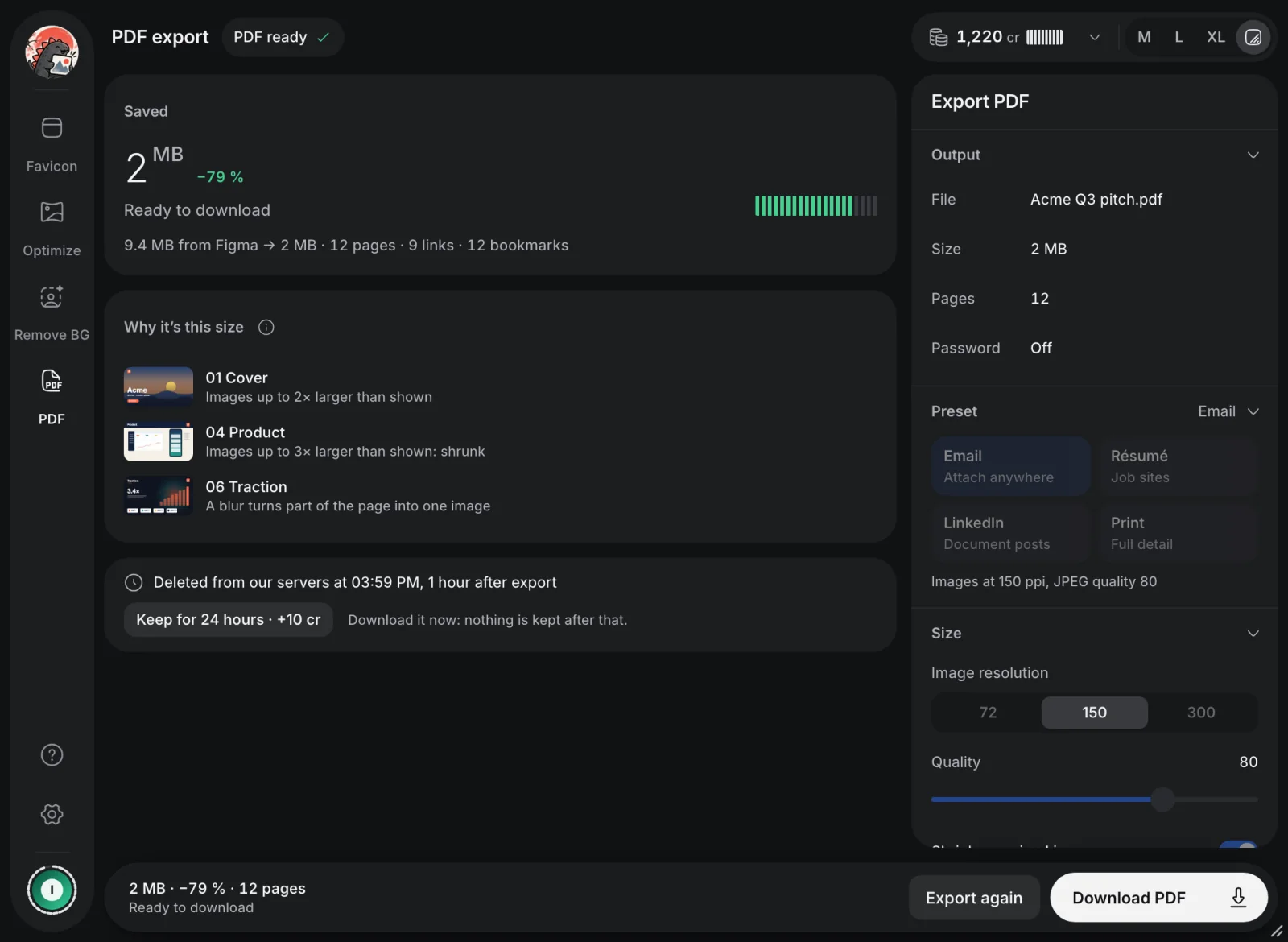
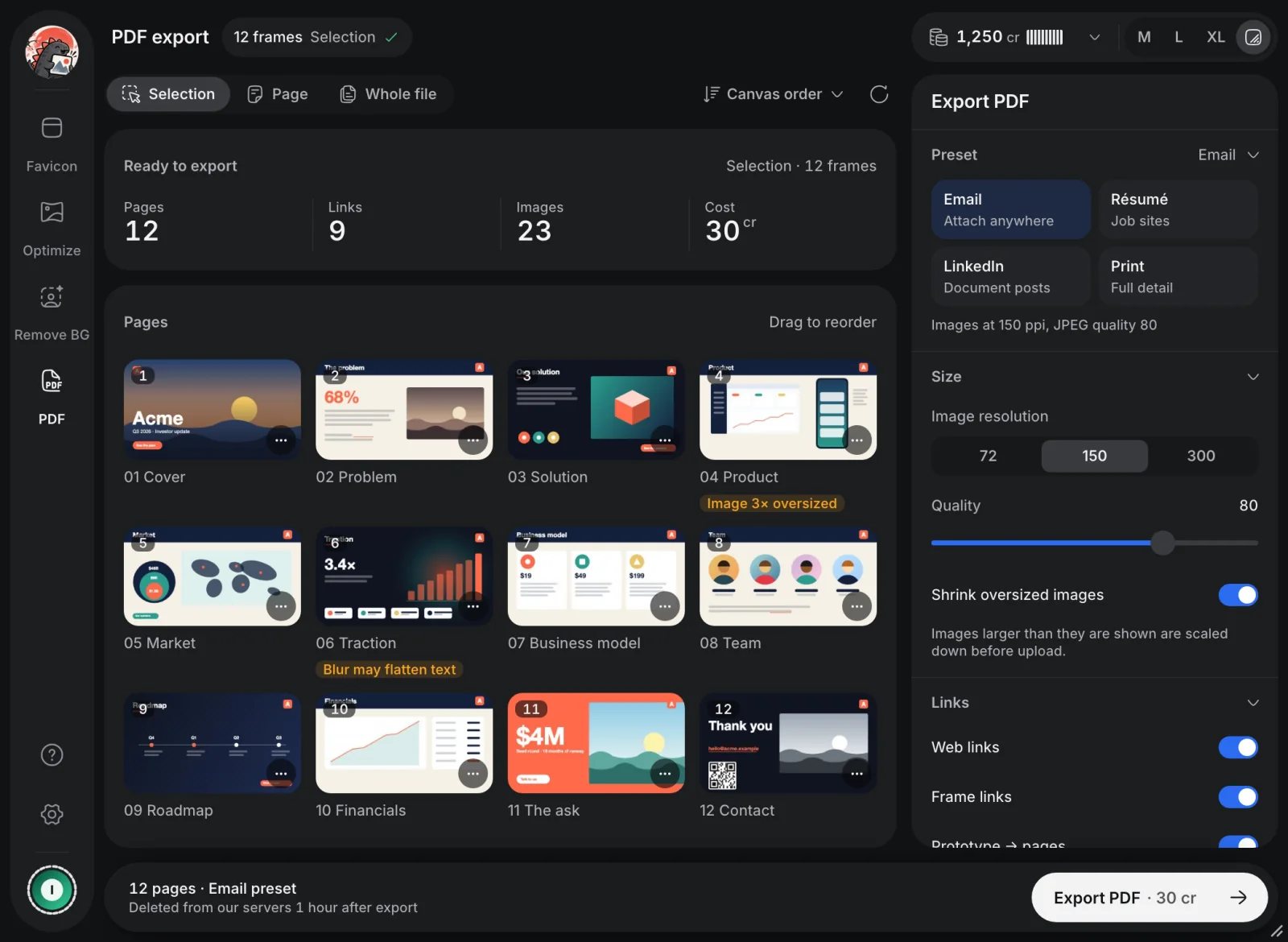
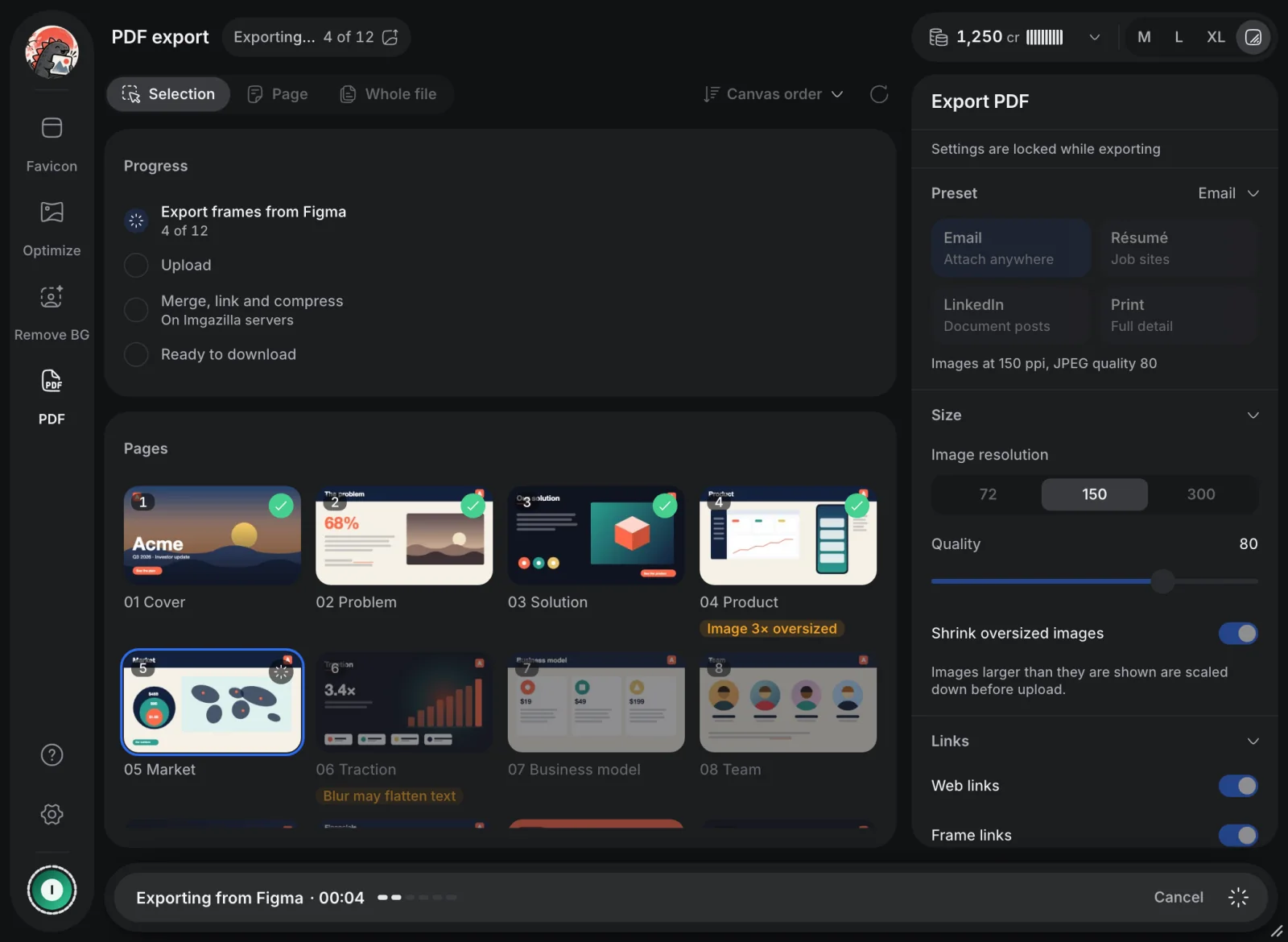
Turn a selection, a page or the whole file into one PDF of up to 300 pages. Images larger than they are shown get scaled down, so files come out smaller than Figma's own export.
Presets for Email, Résumé, LinkedIn and Print
Frame links, prototype links and web links keep working, with a bookmark per page
A title, an author, or a password if you need one
30 credits for up to 50 pages. Merging is free. Files are deleted after 1 hour, or after 24 hours for 10 credits more.
Imgazilla
−79 %9.4 MB from Figma → 2 MB Example 12-page pitch deck, Email preset
12 frames, 9 links, 12 bookmarks
Credits
Pay for what you use.
No subscription. Buy a pack when you need one, and every pack adds to your balance. New accounts start with 500 free credits.
Starter
1,000credits
$4.99 one-time
≈ 14 background removals
$0.005 per credit
Plus
2,500credits
$9.99 one-time
≈ 35 background removals
$0.004 per credit
Pro
Best value
7,500credits
$24.99 one-time
≈ 107 background removals
$0.0033 per credit
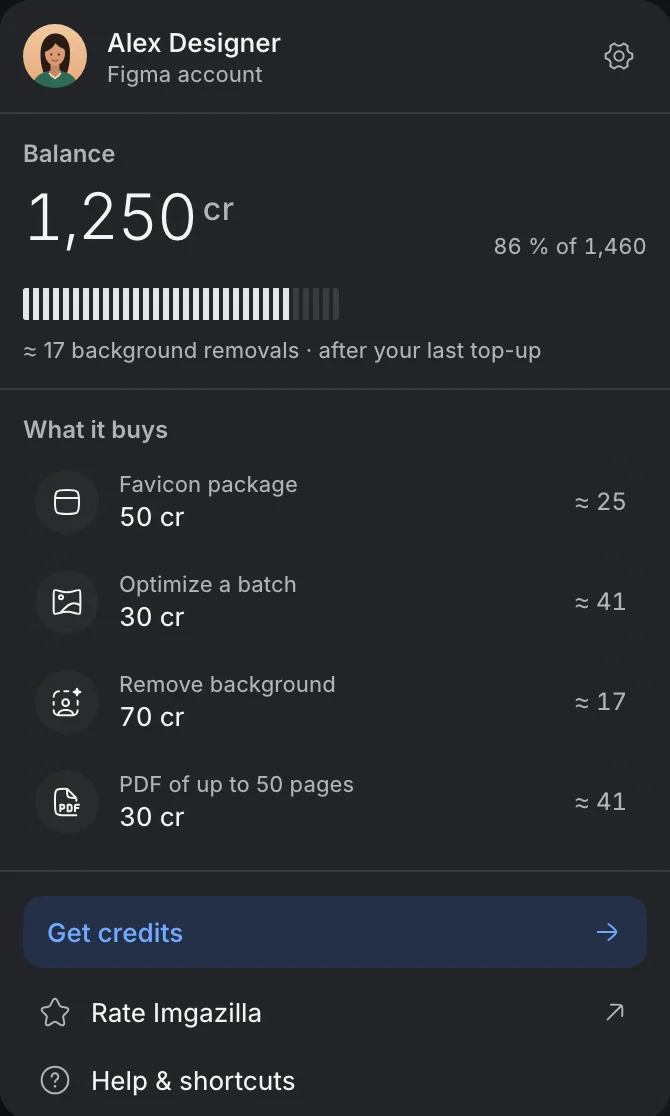
What credits buy
Optimize a batch of images
30 cr
Export a favicon package
50 cr
Remove a background
70 cr
PDF of up to 50 pages+20 cr for each further 50 pages, +10 cr to keep it 24 hours
30 cr
Always free: scanning a page, previews, the favicon code, and merging PDFs with links, bookmarks and a password.
Top up inside the plugin
1
Click your balance
It sits in the plugin's header, on every tool.
2
Choose Get credits
Pick a pack. All credits stack.
3
Pay with Lemon Squeezy
Your new balance shows in the plugin.
Buy from inside Imgazilla so the credits reach your Figma account.
FAQ
Questions, answered.
Something else? Write to support and you'll hear back from the person who builds Imgazilla.
support@imgazilla.app
Installing it is free, and every new account starts with 500 credits. Scanning a page, previews, the favicon code and merging PDFs never cost anything. Credits pay for the heavy work: optimizing, cut-outs, favicon packages and compressed PDFs.
No. Packs are one-time purchases, and every pack adds to your balance.
Inside the plugin. Click your balance in the header, choose Get credits and pay with Lemon Squeezy. Buying there links the credits to your Figma account.
Background removal and PDF export run on Imgazilla's servers. The plugin keeps no copy of your images, and exported PDFs are deleted after 1 hour, or after 24 hours if you choose to keep them longer.
Images as PNG, JPG, SVG, WebP or AVIF. Favicons as ICO, SVG and PNG, with Apple touch icons and a web manifest. PDFs of up to 300 pages, with links and bookmarks.
It depends on the image. On the sample coffee-shop page above, eight images went from 9.5 MB to 1.4 MB as WebP. You can compare every file with its original before you download.
Start
Ready when your next file gets heavy.
Imgazilla runs in the Figma desktop app and in the browser. Install it from the Figma Community and start with 500 free credits.